فصل ۱۰.۵.
خروج کاربر
این ما را به خوبی به خروج دادن یک کاربر میرساند. پیادهسازی خروج کاربر در مقایسه با ثبتنام و لاگین ساده است — اساساً همه کاری که باید انجام دهیم حذف مقدار "authenticatedUserID" از نشست آنها است.
در همان زمان، تجدید شناسه نشست دوباره یک عمل خوب است، و همچنین یک پیام flash به دادههای نشست اضافه میکنیم تا به کاربر تأیید کنیم که خارج شده است.
بیایید handler userLogoutPost را بهروزرسانی کنیم تا دقیقاً این کار را انجام دهد.
package main

...

func (app *application) userLogoutPost(w http.ResponseWriter, r *http.Request) {
    // Use the RenewToken() method on the current session to change the session
    // ID again.
    err := app.sessionManager.RenewToken(r.Context())
    if err != nil {
        app.serverError(w, r, err)
        return
    }

    // Remove the authenticatedUserID from the session data so that the user is
    // 'logged out'.
    app.sessionManager.Remove(r.Context(), "authenticatedUserID")

    // Add a flash message to the session to confirm to the user that they've been
    // logged out.
    app.sessionManager.Put(r.Context(), "flash", "You've been logged out successfully!")

    // Redirect the user to the application home page.
    http.Redirect(w, r, "/", http.StatusSeeOther)
}
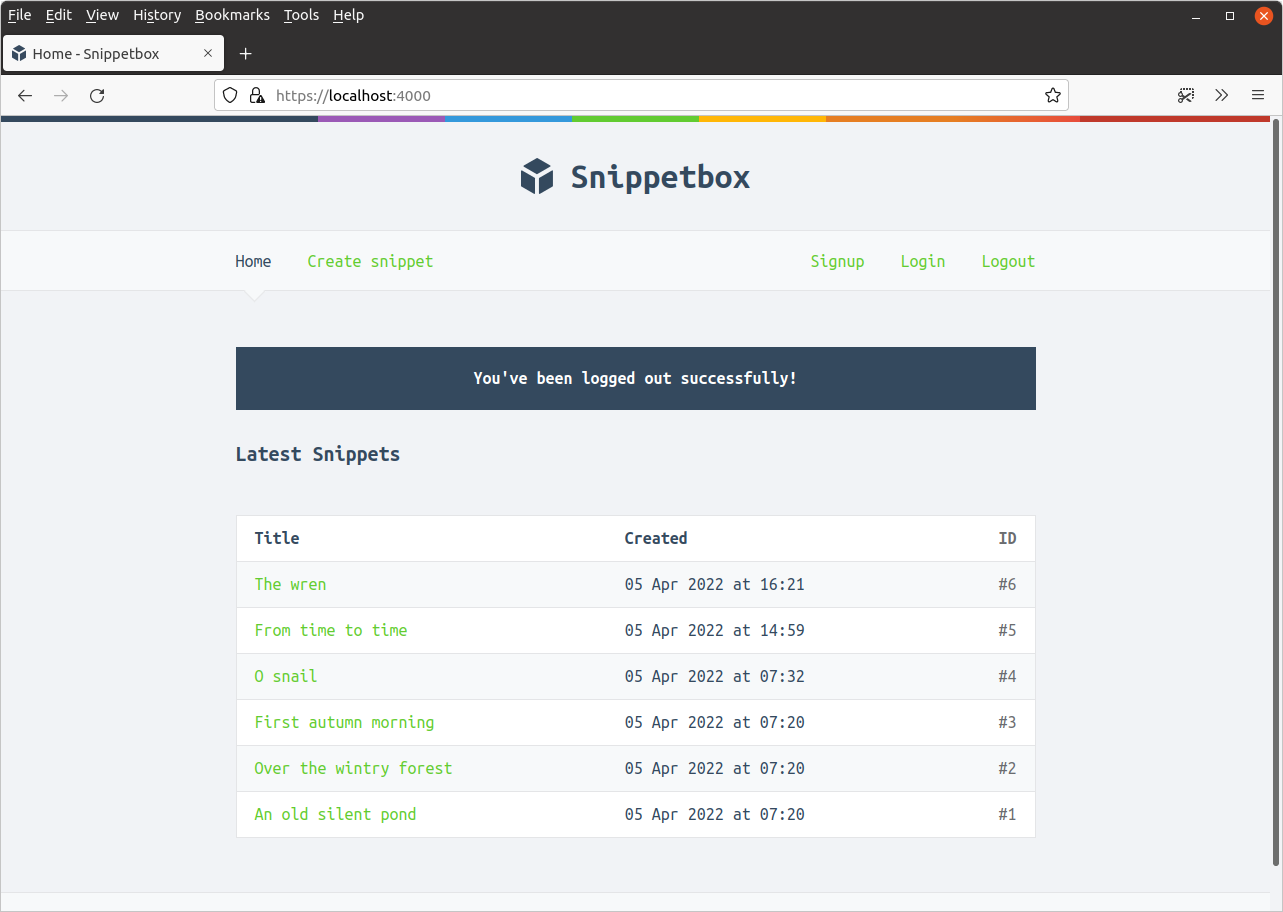
فایل را ذخیره کنید و برنامه را مجدداً راهاندازی کنید. اگر اکنون روی لینک ‘خروج (Logout)’ در نوار ناوبری کلیک کنید، باید خارج شوید و به صفحه اصلی هدایت شوید، به این صورت: